What Is Grafana Loki? How It Works, Use Cases, and Limitations (2026 Guide)
What Is Grafana Loki?
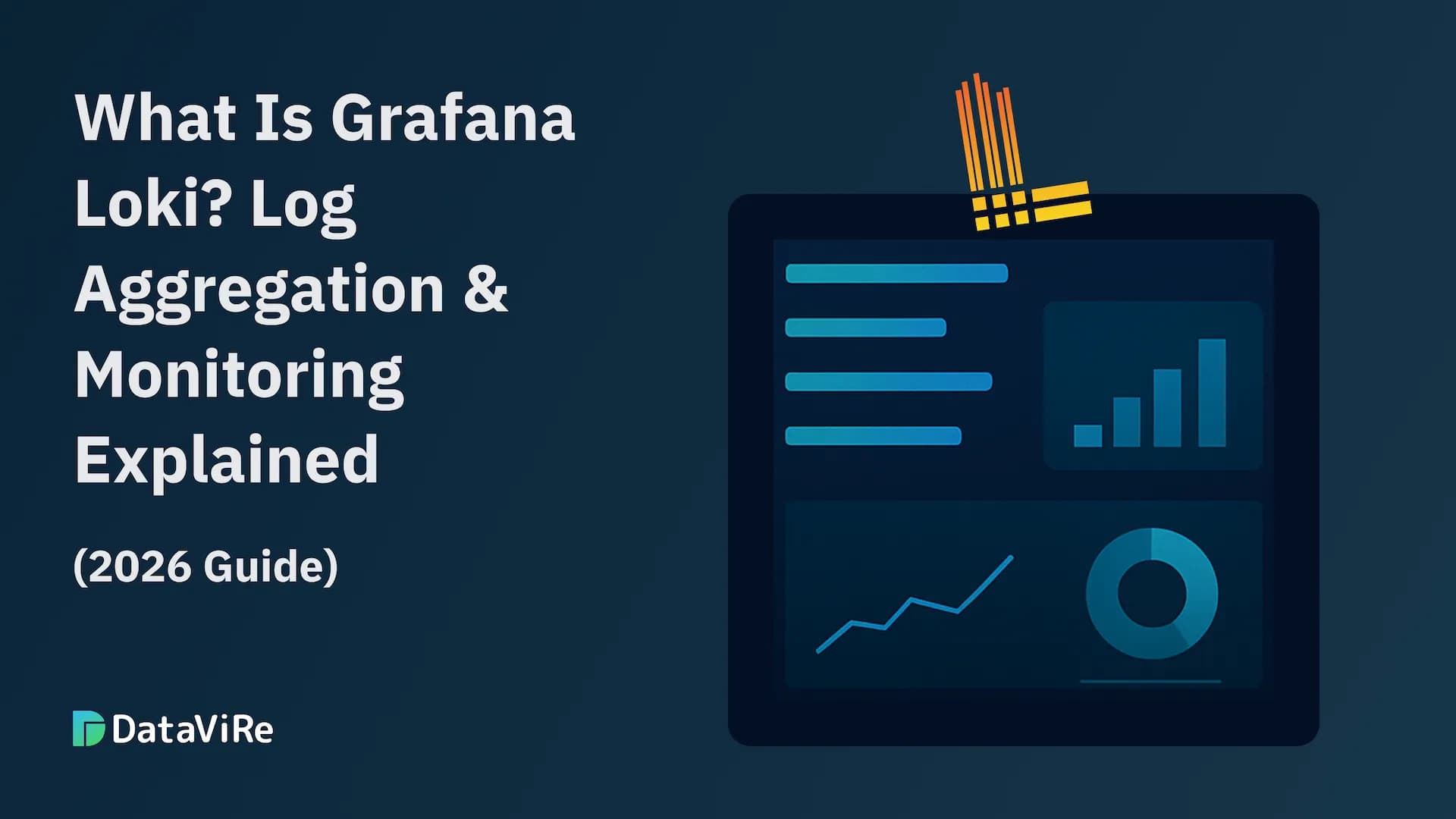
Grafana Loki is an open-source log aggregation system designed to collect, store, and query logs efficiently-especially in cloud-native and Kubernetes environments.
Unlike traditional log management tools, Grafana Loki does not index the full content of logs. Instead, it indexes only labels (metadata) such as service name, pod, namespace, or environment. The raw log lines are stored in compressed chunks.
In simple terms:
- Grafana Loki is to logs what Prometheus is to metrics.
It focuses on cost-efficient log storage, fast filtering, and tight integration with Grafana dashboards-without the overhead of full-text indexing.
Why Grafana Loki Exists
Modern systems generate enormous volumes of logs:
- container logs from Kubernetes
- application logs from microservices
- infrastructure and system logs
- security and audit logs
Traditional log platforms solve this by indexing everything, which creates three problems at scale:
- High storage costs
- Heavy infrastructure overhead
- Complex cluster management
Grafana Loki was created to solve this by asking a different question:
- What if logs were queried like metrics instead of documents?
By indexing only labels and querying logs by context first, Loki dramatically reduces:
- indexing cost,
- storage footprint,
- operational complexity.
This makes Loki especially attractive for teams running:
- Kubernetes
- microservices
- cloud-native platforms
- high-volume log pipelines
How Grafana Loki Fits into the Grafana Stack
Grafana Loki is not a standalone experience.
It is designed to work natively with:
- Grafana (for dashboards and exploration)
- Prometheus (for metrics correlation)
- tracing systems (for full observability workflows)
This tight integration allows teams to:
- view logs and metrics side by side
- jump from a metric spike directly into related logs
- troubleshoot issues faster without switching tools
Loki doesn’t try to replace Grafana.
It extends Grafana’s observability capabilities into logging.
How Grafana Loki Works
Grafana Loki works because it rejects full-text indexing and replaces it with a label-first model. If you don’t understand this part, Loki will either feel magical or useless-nothing in between.
Let’s break it down without hand-waving.
The Core Idea: Index Context, Not Content
Traditional log systems index every word in every log line. Loki doesn’t.
Loki indexes only labels (metadata), such as:
- application name
- service
- environment
- Kubernetes namespace / pod / container
The log lines themselves are not indexed. They’re stored as compressed chunks and scanned only after label filtering.
Why this matters:
- indexing is expensive
- labels are predictable
- context matters more than raw text
This single design choice is why Loki is cheaper and simpler to operate at scale.
The Loki Architecture
A typical Loki setup has four key components:
Promtail (Log Collector)
Promtail is the agent that:
- reads logs from files, containers, systemd, or Kubernetes
- attaches labels to each log stream
- pushes logs to Loki
Think of Promtail as Prometheus-style scraping for logs.
If labels are wrong here, everything downstream suffers. Loki does not “fix” bad labeling.
Why Loki Scales Better Than Traditional Log Stacks
Let’s be direct.
Loki scales better because:
- it avoids full-text indexing
- it uses cheap object storage
- it separates write, read, and storage paths
- it assumes logs are explored by context first
But there’s a trade-off (we’ll hit it later):
- ad-hoc text search is slower
- you must know what you’re looking for
Loki rewards structured thinking, not random searching.
Loki + Grafana: Why the Pairing Matters
Loki on its own is usable.
Loki with Grafana is where it clicks.
Together, they let teams:
- jump from a metric spike directly into related logs
- overlay log events on dashboards
- build alerts based on log patterns
- explore logs visually instead of dumping text
This workflow is why Loki adoption keeps rising in Kubernetes-heavy environments. We strongly recommend you to read our articel about grafana dashboards.
The Non-Negotiable Rule with Loki
If you remember one thing from this section, remember this:
- Loki only works well if your labels are well-designed.
Bad labels = slow queries + useless results.
Good labels = fast, cheap, precise log exploration.
Loki does not forgive lazy labeling. Although you can explore more about the other observability tools on this guide.
Grafana Loki Components (Promtail, LogQL, and Storage)
Now that you understand how Loki works conceptually, let’s get concrete. Loki isn’t a black box. It’s a set of focused components, each doing one job well. If one of them is misused, the whole system suffers.
Promtail: Log Collection and Labeling
Promtail is Loki’s log shipping agent. It is not optional in most setups.
What Promtail does:
- reads logs from files, containers, systemd, or Kubernetes
- parses log lines if needed
- attaches labels (metadata)
- sends logs to Loki over HTTP
In Kubernetes, Promtail commonly labels logs with:
- namespace
- pod name
- container name
- application or service label
This labeling step is the most critical decision you’ll make with Loki.
Why?
- Loki queries start with labels
- Poor labels = slow queries
- Over-labeling = high cardinality = pain
Rule of thumb:
Label what you filter by often, not everything you can see.
LogQL: Querying Logs the Loki Way
LogQL is Loki’s query language. It looks familiar if you’ve used PromQL, but it behaves differently.
LogQL supports two core query types:
Log Queries (Raw Exploration)
Used when you want to see actual log lines.
These queries:
- select streams by labels
- optionally filter log content
- return matching log entries
Best used for:
- debugging specific incidents
- inspecting error messages
- confirming hypotheses
Metric Queries (Logs → Metrics)
This is where Loki separates itself from traditional log tools.
Metric queries let you:
- count log events
- calculate rates
- create time-series graphs from logs
- trigger alerts based on log patterns
Example use cases:
- error rate over time
- request volume inferred from logs
- alert if error logs spike suddenly
This is why Loki pairs so well with Grafana dashboards and alerting.
Storage: Cheap, Scalable, and Boring (By Design)
Loki stores log data as compressed chunks in:
- object storage (S3, GCS, Azure Blob)
- or local filesystem (smaller setups)
Key points:
- chunks are immutable once written
- compression keeps storage costs low
- storage is decoupled from query nodes
This design allows:
- horizontal scaling
- predictable cost growth
- long-term retention without painful reindexing
If you’re used to managing Elasticsearch clusters, this feels refreshingly boring-and that’s a good thing.
What Is Grafana Loki Used For?
Grafana Loki isn’t a generic log analytics platform. Teams that succeed with it use it intentionally, for the kinds of problems it was designed to solve.
Below are the real-world scenarios where Loki consistently makes sense in 2026.
Kubernetes and Container Log Aggregation
This is Loki’s strongest use case.
In Kubernetes environments:
- pods are ephemeral,
- containers restart frequently,
- logs are scattered across nodes.
Grafana Loki:
- collects logs from all pods and containers,
- labels them with namespace, pod, and service,
- makes them searchable in one place.
Instead of SSH-ing into nodes or grepping files, teams filter logs by context and move on.
Incident Troubleshooting and Root Cause Analysis
Loki helps teams answer:
- What failed?
- Where did it fail?
- Did it start after a deployment?
By correlating:
- error logs,
- deployment annotations,
- metrics from Prometheus,
teams isolate root causes faster and reduce MTTR.
Loki shines when you already know where to look.
Observability and Cross-Signal Correlation
Loki fits naturally into modern observability stacks.
Used alongside metrics and traces, Loki helps teams:
- validate metric anomalies with real log evidence,
- understand request failures end-to-end,
- build clearer incident narratives.
This isn’t about replacing metrics or tracing-it’s about completing the picture.
Security and Audit Logging (With Caveats)
Loki can centralize:
- authentication logs,
- access logs,
- application security events.
It works well for:
- trend analysis,
- incident investigations,
- short- to medium-term retention.
But be clear:
- Loki is not a SIEM,
- it’s not designed for advanced threat detection,
- compliance-heavy environments may need more specialized tools.
Cost-Sensitive Log Retention
Loki is often chosen for one reason: predictable cost.
Because it avoids full-text indexing:
- storage is cheaper,
- compute requirements are lower,
- scaling is more linear.
For teams drowning in log volume but not in log search complexity, Loki is a relief.
When Grafana Loki Is the Right Choice
Use Grafana Loki if:
- you run Kubernetes or microservices,
- logs are high-volume but structured,
- you debug by service context, not random text search,
- cost and operational simplicity matter.
Grafana Loki Limitations, Reporting Gaps, and Final Verdict
Grafana Loki is a strong tool-but only when used for what it was designed to do. Teams get the most value when they understand its limits upfront instead of discovering them the hard way in production.
Let’s close this out honestly.
Grafana Loki Limitations
Loki’s strengths come from deliberate design choices. Those same choices introduce constraints you cannot ignore.
No Full-Text Indexing
Loki does not index raw log content. That means:
- ad-hoc “search everything” workflows are slow,
- unknown-error discovery is limited,
- forensic investigations are not Loki’s strength.
If your team debugs by guessing keywords, Loki will frustrate you.
Heavy Dependence on Label Design
Loki succeeds or fails based on labels.
Poor labeling leads to:
- slow queries,
- large scans,
- unusable dashboards.
Loki does not protect you from bad schema decisions. It amplifies them.
Not Built for Compliance-Heavy Reporting
Loki dashboards are live views, not records.
They are not designed for:
- immutable audit trails,
- static historical snapshots,
- executive or customer-facing reports.
If reporting or compliance is central, Loki alone is insufficient.
Alerting Requires Discipline
Log-based alerts are powerful-but dangerous.
Without care:
- alerts become noisy,
- false positives increase,
- teams start ignoring signals.
Logs provide context, not certainty. Metrics still matter.
The Reporting Gap Most Teams Hit Eventually
This is where reality kicks in.
Grafana Loki + Grafana are excellent for:
- real-time debugging,
- incident response,
- engineering workflows.
They are weak at:
- scheduled reports,
- PDF or Excel exports,
- historical summaries,
- non-technical stakeholder communication.
Most teams respond poorly:
- screenshots,
- manual exports,
- copy-paste chaos.
Mature teams respond correctly:
- dashboards stay for engineers,
- reporting is handled by a dedicated layer.
One such layer is DataViRe, which turns Grafana and Loki dashboards into automated, shareable reports without changing the logging stack itself.
This isn't about the tool-it's about architecture. You can find here the in-depth breakdown about Grafana reporting limitations.
Final Verdict: Should You Use Grafana Loki in 2026?
Use Grafana Loki if:
- you run Kubernetes or microservices,
- log volume is high,
- context-based debugging is enough,
- cost and simplicity matter,
- Grafana is already part of your stack.
Avoid Loki as your primary log system if:
- full-text search is critical,
- compliance and forensics dominate,
- you lack control over log structure,
- logs are your main analytical dataset.